How to Set Up a POS System for a Small Business
Contents:
- Quick Answer
- The Problem
- Why Solve It This Way
- Step-by-Step Solution
- Step 1: Choose Software Matched to Your Business Type
- Step 2: Select Compatible Hardware
- Step 3: Connect Payment Processing
- Step 4: Load Your Full Inventory or Menu
- Step 5: Train Staff Thoroughly Before Launch Day
- Common Mistakes to Avoid
- An Expert Quote
- Examples
- Troubleshooting
- FAQ
- How much does a POS system typically cost monthly?
- Can I switch POS providers later without losing data?
Businesses using a modern point-of-sale system process transactions up to 40% faster than those relying on a traditional cash register alone, a genuinely energizing efficiency gain that compounds across every single sale of the day.
Quick Answer
Setting up a POS system involves choosing hardware and software suited to your business type, connecting payment processing, loading your inventory, and training staff before your official launch date.
The Problem
Many small business owners delay adopting a proper POS system, sticking with cash registers or spreadsheets that create bottlenecks at checkout and make inventory tracking genuinely painful.
Why Solve It This Way
A well-configured POS system pays for itself quickly through faster checkout, fewer inventory errors, and integrated sales reporting that would otherwise require hours of manual reconciliation every week.
Step-by-Step Solution
Step 1: Choose Software Matched to Your Business Type
Retail, restaurant, and service businesses each have POS platforms specifically optimized for their workflow, so choose one built for your actual industry rather than a generic option.
Step 2: Select Compatible Hardware
A tablet or dedicated terminal, card reader, receipt printer, and cash drawer, if needed, typically cost $300-$1,200 total depending on how full-featured your setup needs to be.
Step 3: Connect Payment Processing
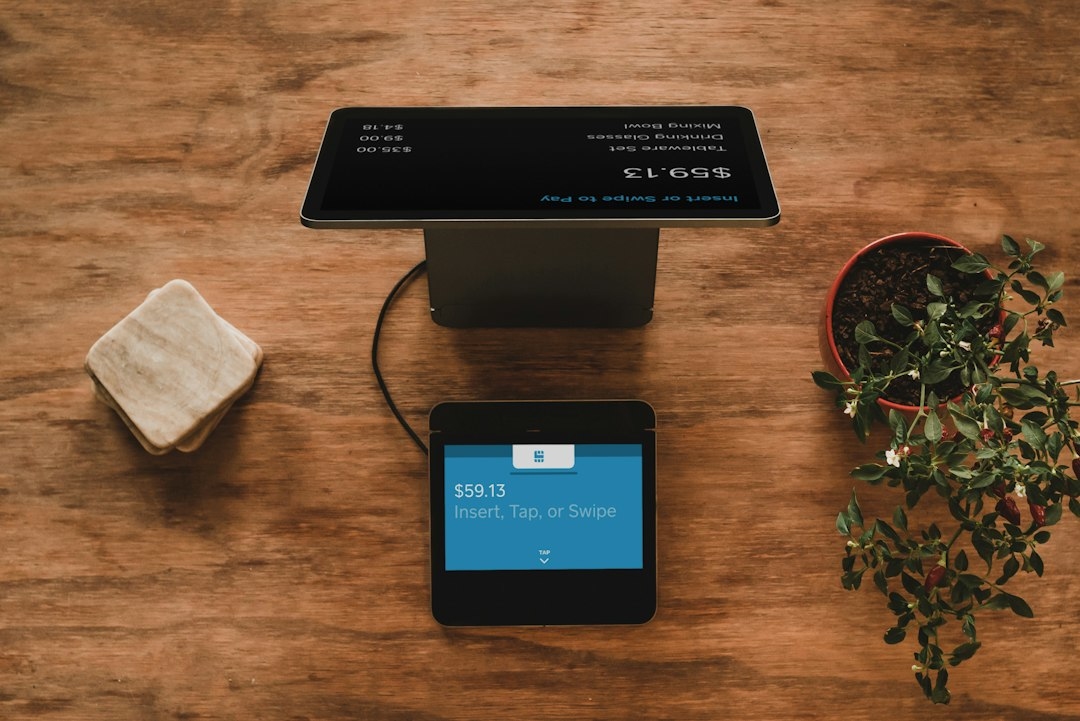
Link your POS to a payment processor, often bundled directly with the software, to accept cards, contactless payments, and digital wallets seamlessly at checkout.
Step 4: Load Your Full Inventory or Menu
Enter every product or menu item with accurate pricing, categories, and stock counts before launch, since incomplete data creates confusing gaps at the register on day one.
Step 5: Train Staff Thoroughly Before Launch Day
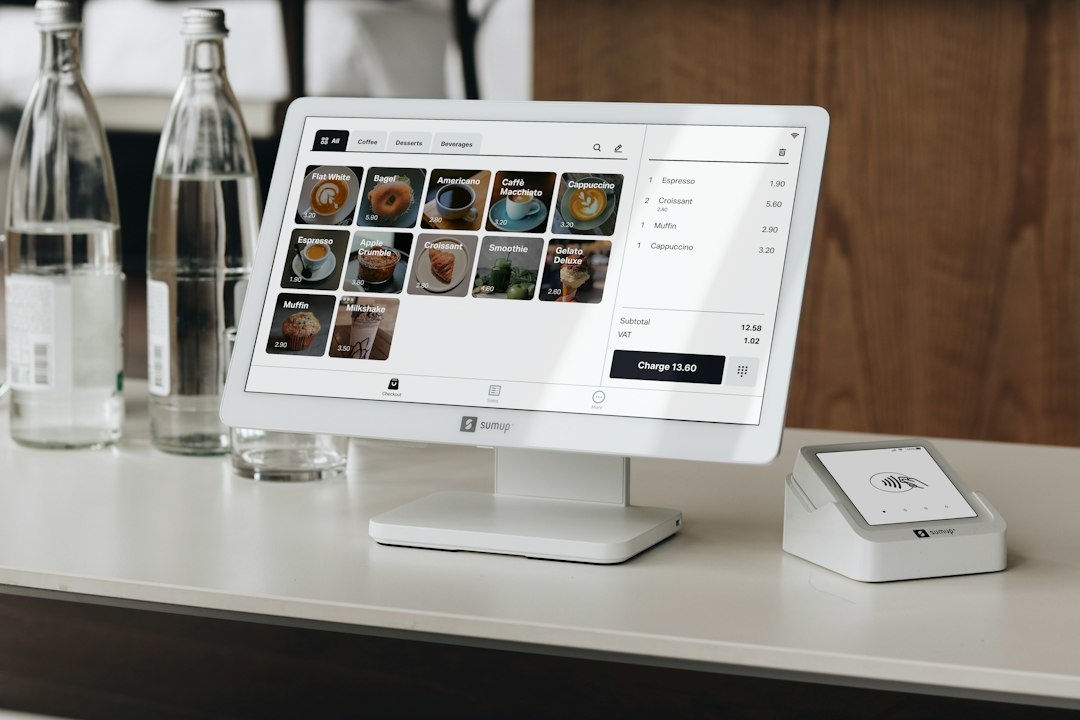
Run a full practice session processing sample transactions, returns, and discounts so staff feel genuinely confident before facing real customers at a busy register.
Common Mistakes to Avoid
Owners often skip proper staff training, assuming the system is intuitive enough to learn on the fly, which slows down service during the critical first week. Others fail to test refund and discount workflows before launch, creating awkward moments with the very first customer who requests one.
An Expert Quote
“The businesses that transition smoothest run a full mock day before opening, ringing up fake transactions until the team feels natural,” says retail technology consultant Delphine Osei. “That single afternoon of practice prevents most of the chaos I typically see on launch day.”
Examples
A boutique coffee shop in Austin cut average checkout time from 90 seconds to under 30 seconds after properly configuring quick-select buttons for its most popular drinks during POS setup.
Troubleshooting
If transactions are running slow after launch, check your internet connection first, since most modern POS systems depend on stable connectivity, and a spotty connection is the most common cause of checkout delays.
FAQ
How much does a POS system typically cost monthly?
Software subscriptions typically run $30-$100 monthly, plus payment processing fees of roughly 2.5-3% per transaction.
Can I switch POS providers later without losing data?
Most reputable providers offer data export tools, though migrating inventory and sales history can take some manual cleanup depending on the new platform.